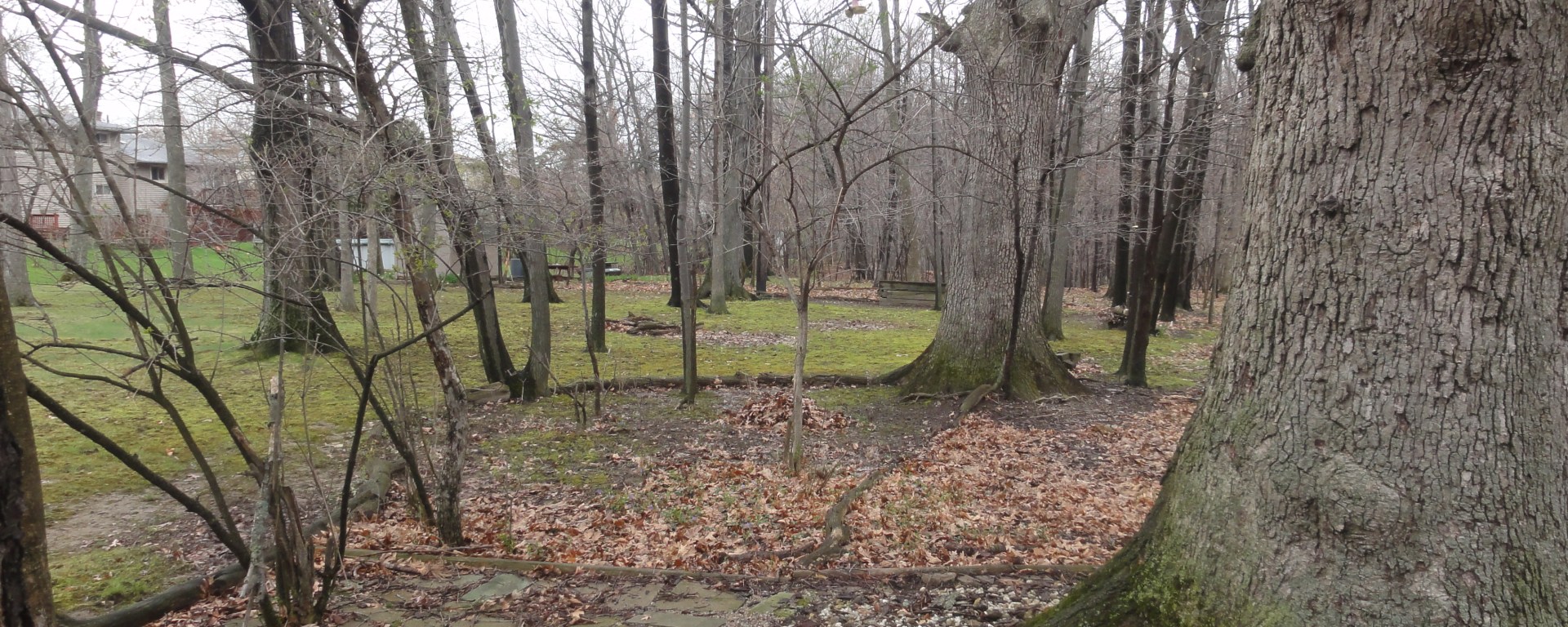
I got a request today to extract the compass bearing from a set of photos, and add a rotated north arrow to those images in visual form so end users can see if the picture was while the camera was pointed north, or east, or NNW, etc.. Below is a photo pointing mostly East.

With BASH and a little Imagemagick, this was a pretty easy build. First we extract the direction info, and transform it to Cartesian coordinates so our rotation numbers will be correct. Then we rotate our arrow, maintaining transparency of background. Finally we use the “composite” command to overlay our rotated arrow with the original image.
Voila!
(code edited to remove transformation to cartesian — rotation in imagemagick is polar…)
#!/bin/bash

for image in `ls *.JPG`
do
	# trim off leading and trailing spaces in image variable
	image=`echo $image | xargs`
	# get non-extension portion of name
	name=`echo $image | awk -F'.' '{print $1}'`

	# extract angle from EXIF, and turn into variable
	angle=`exif $image | grep 'Image Direction' | awk 'BEGIN { FS = "|" } ; { print $2 }' | sed 's/M//g' | xargs`

	# create rotated and scaled arrow for image
	convert -rotate $angle -transparent white -resize 300x300 arrow-hi.png arrow-hi_$angle.png
	# overlay that arrow on original image
	composite arrow-hi_$angle.png $image $name.png
	# perform a wee bit of cleanup

	rm arrow-hi_$angle.png
done
addendum — almost forgot the repo:
 Smathermather's Weblog