Introduction
For a long time, I have wanted to do a little bit of integration between OpenDroneMap and blender. A while back, we got a great contribution of some scripts to help us with that integration: https://github.com/OpenDroneMap/ODM/tree/master/contrib/blender
So today, I wanted to play around a bit with bringing objects into blender and animating and lighting the scene. It took a little bit of orienting myself, and here were the resources I used:
Navigating blender:
Interface Overview:
Moving the camera:
Special Lighting:
High-dynamic-range imaging (HDRI) is a great way to light a 3D scene, and in the case of drone imagery, to potentially give that scene a different feel than it had on the day that it was flown. The following video provided the necessary tips for bringing HDRI lighting into my scene.
Result
So, how did it turn out? A little rough, but not too badly:
Alternative uses
While this is pretty cool, and very useful for a variety of things, what if you don’t have a drone, or your use case is a 3D model of something much smaller? We can do photogrammetry on these as well.
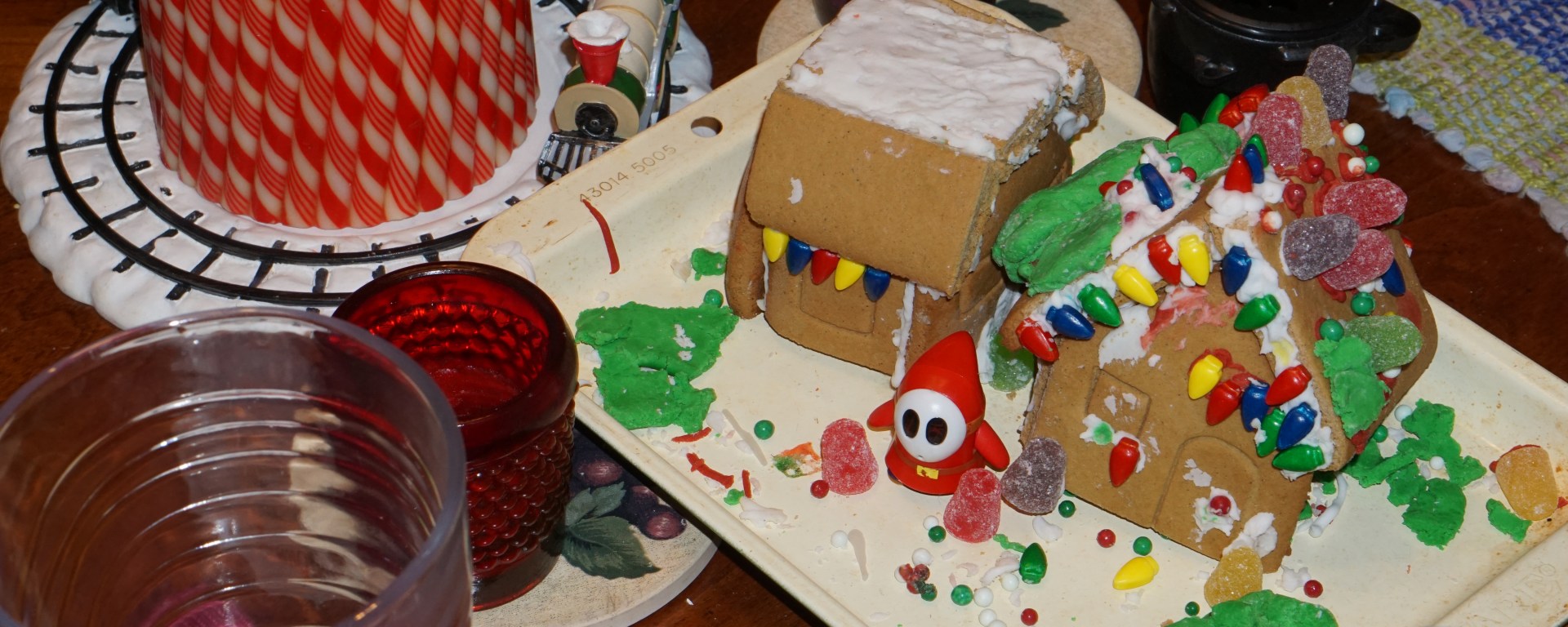
In the case below, I didn’t take enough photos to finish the scene and I left some glass objects in the scene to see how they would reconstruct. They do some interesting things to objects that are seen through them. I will do a more professional, less melty version next time, but this one was fun to throw together.
But, as it turns out, reconstructing gingerbread houses using structure from motion works rather well. Maybe I need to make a gingerbread city to test my ideas about photogrammetry over buildings… .
 Smathermather's Weblog
2 thoughts on “OpenDroneMap + blender = Fun (Part 2)”